
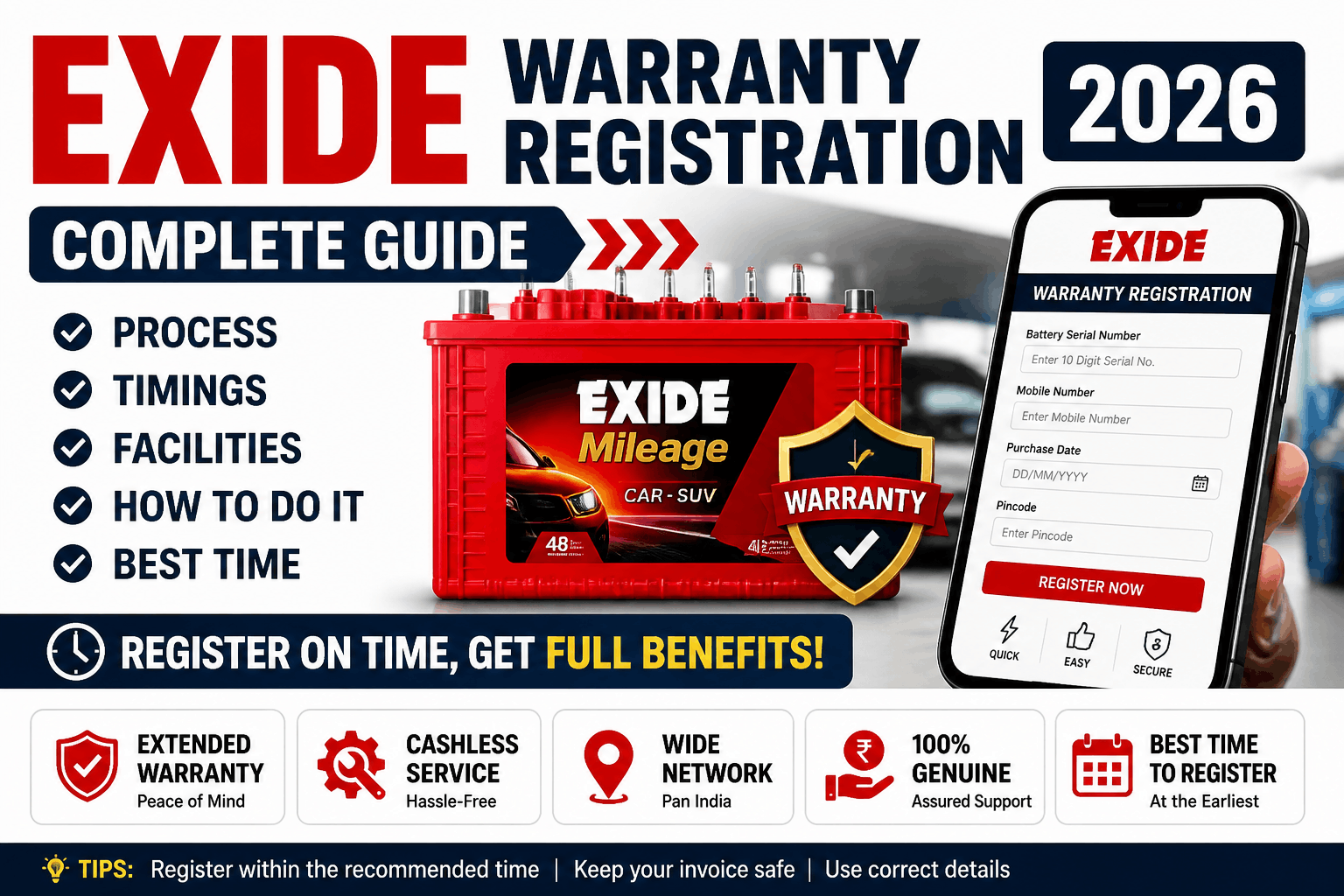
If you have recently purchased a battery from Exide Industries, registering the warranty is one of the most important steps. Many people skip this, but without proper registration, claiming warranty later can become difficult.
This guide explains everything clearly and in simple language—how to register, where to go, timings, documents, and tips to avoid mistakes.
What is Exide Warranty Registration?
Warranty registration is the process where your battery purchase details are officially recorded in Exide’s system. Once registered, your battery becomes eligible for service, replacement, or support during the warranty period.
This can be done:
- Online (fastest method)
- At dealer/shop
- At authorized service centers
Exide Warranty Registration Process (Step-by-Step)
Method 1: Online Registration
This is the easiest way and can be done from your mobile.
- Visit the official Exide website
- Go to warranty or product registration section
- Enter battery details:
- Battery serial number
- Model number
- Date of purchase
- Fill your personal details:
- Name
- Mobile number
- Address
- Submit the form
After submission, you may receive confirmation via SMS or email.
Method 2: Dealer Registration
If you bought the battery from a shop, many dealers register it for you.
Steps:
- Provide your mobile number and basic details
- Dealer enters data in Exide system
- You receive confirmation
Always confirm with the dealer that registration is completed.
Method 3: Service Center Registration
You can also visit an authorized Exide service center.
Steps:
- Carry battery invoice
- Provide battery details
- Staff will register it manually
Timings for Registration
Online
- Available 24 hours (anytime)
Dealer / Service Center
- Usually open from 9:30 AM to 6:30 PM
- Closed or limited hours on Sundays (depends on location)
Entry Details (For Offline Visit)
If you are visiting a dealer or service center:
- No entry fee
- Walk-in allowed
- Token system may be used in busy centers
- Basic security check in some locations
Documents Required
Keep these ready while registering:
- Purchase invoice (very important)
- Battery serial number
- Vehicle details (for car or bike battery)
- Mobile number
Without invoice, warranty claims may get rejected later.
Facilities Available at Exide Centers
Authorized centers usually provide:
- Battery testing service
- Warranty claim support
- Replacement assistance
- Charging and maintenance advice
- Customer waiting area (basic seating)
Some larger centers may also provide quick testing tools and diagnostics.
How to Reach Exide Service Center
You can easily find nearby locations using Google Maps by searching:
“Exide battery dealer near me” or “Exide service center”
Major cities have multiple authorized outlets. If you are traveling, choose the nearest verified dealer instead of a local unverified shop.
Best Time or Day to Register
Best Time
- Morning hours (10 AM to 12 PM)
- Less crowd and faster service
Best Day
- Weekdays (Monday to Friday)
Avoid
- Sundays and holidays
- Evening rush hours
Important Tips (Must Read)
- Register warranty within a few days of purchase
- Double-check serial number while entering
- Keep a photo or copy of invoice
- Save confirmation SMS or email
- Do not rely only on verbal confirmation from dealer
Common Mistakes to Avoid
- Not registering the battery at all
- Losing the purchase bill
- Entering wrong serial number
- Delaying registration for months
- Visiting unauthorized service centers
Warranty Claim Process (Basic Idea)
If your battery stops working during warranty:
- Visit authorized Exide center
- Show invoice and battery
- Battery will be tested
- If valid, replacement or service is provided
Final Words
Exide warranty registration is a simple process, but it plays a big role later. Spending 5–10 minutes now can save you money and stress in the future.
Whether you choose online registration or visit a dealer, make sure your battery is properly registered and documented. This ensures you get full benefit of the warranty without any issues.